
From AI Images to Video with MiniMax H3
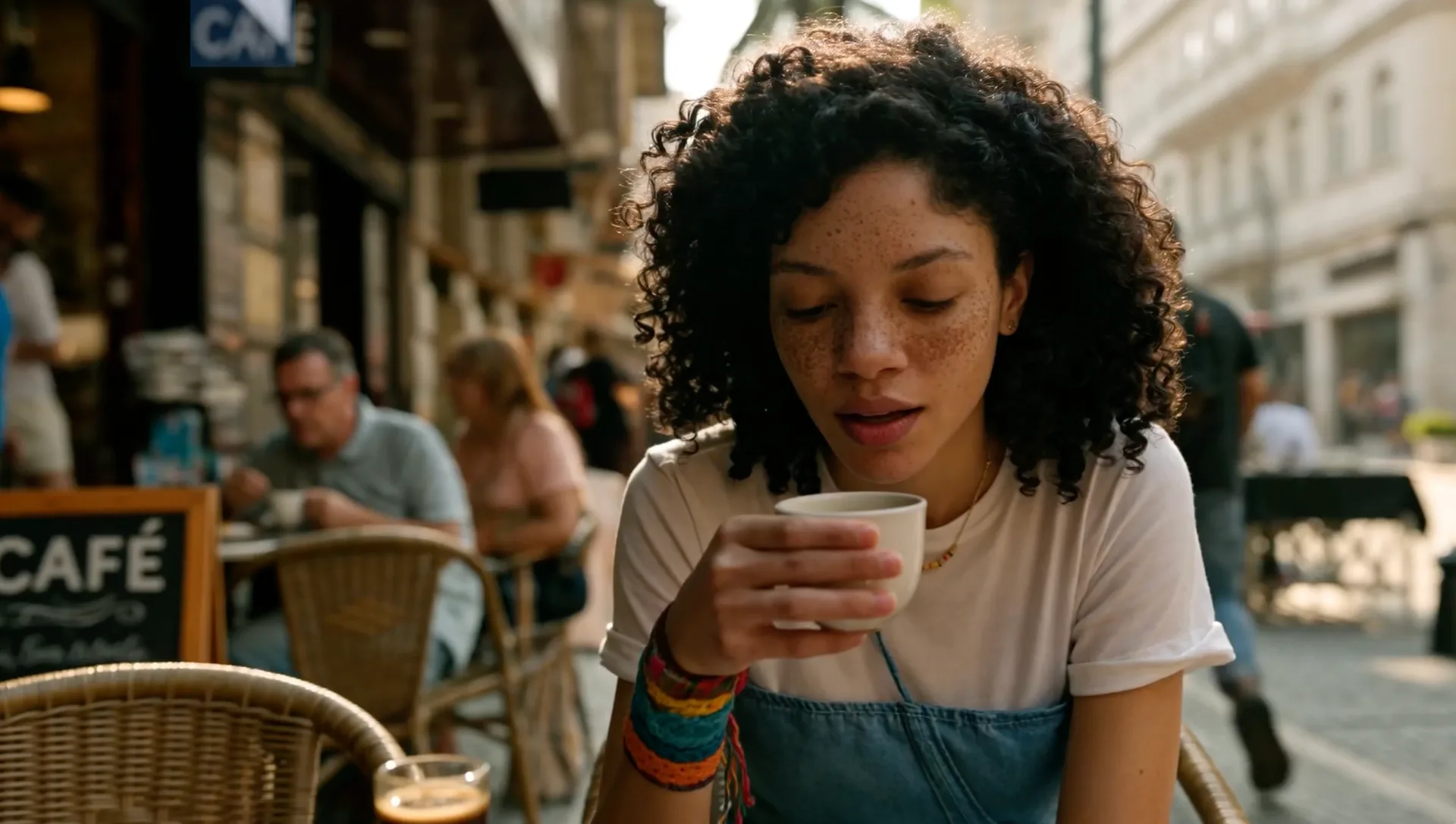
Image-to-video often fails before the video model starts. A beautiful poster may contain a pose that cannot move naturally, text that distorts as the camera shifts, reflections that contradict the intended lighting, or a crop with no room for action. When the reference frame is treated as the first frame of a shot rather than a finished illustration, motion becomes easier to direct and easier to evaluate.
This guide explains how to prepare AI images, product posters, character references, and storyboard frames for MiniMax H3. It focuses on decisions that creators can control: composition, subject consistency, layers, motion, camera behavior, sound, and iteration. It also clarifies related search terms such as Hailuo H3, minimax-h3, and MiniMax video, which are often used when people research the same emerging workflow.
Why the starting image matters
A text prompt can describe appearance and motion at once, but an image gives MiniMax H3 a visible starting state. It establishes the subject’s shape, color, material, position, lighting, and environment. That can reduce ambiguity, especially for branded products, recurring characters, or a precise art direction.
The same image can also create constraints. If a character’s hand is hidden, Hailuo H3 must invent it when the arm moves. If a product is cropped tightly, a camera pullback requires the model to invent unseen packaging and background. If typography is baked into a surface, the letters may change as MiniMax video generates new angles.
Before animating, ask four questions:
- Is the subject readable at the intended output size?
- Does the pose have a plausible next movement?
- Is there empty space in the direction of motion?
- Which details must remain exact, and which may vary?
Answering these questions makes a minimax-h3 test more useful than simply sending the prettiest available image.
Choose the right kind of reference
Product image
Use a clean silhouette, realistic contact shadow, and enough background to support a small camera move. Keep logos and legal copy available as separate overlays for the final edit. MiniMax H3 can explore motion and atmosphere, but critical typography should not depend on generative frame-to-frame consistency.
Character image
Show the face, hands, and any limbs involved in the action. A three-quarter pose often gives Hailuo H3 more spatial information than a perfectly flat front view. Avoid tiny accessories unless they are essential to identity.
Poster or key visual
Separate the visual concept from the final layout. Generate a clean art plate, animate it with a MiniMax video workflow, and add the headline, price, logo, and CTA afterward. This protects text quality and allows multiple aspect ratios.
Prepare the image in TryBanana2
TryBanana2 can generate or edit the reference before animation. Its image workflow is useful for removing distractions, replacing a background, adjusting lighting, combining references, improving text-free poster art, and exporting at higher resolution. The aim is not to decorate every pixel. It is to produce a coherent first frame for MiniMax H3.
Use this preparation sequence:
- Set the final aspect ratio. A vertical social shot and a landscape product demo need different negative space.
- Clean the silhouette. Remove overlapping objects and accidental tangencies around hands, feet, wheels, or packaging edges.
- Establish one light direction. Consistent highlights and shadows give Hailuo H3 a believable scene to extend.
- Create room for motion. Expand or replace the background in the direction the subject or camera will travel.
- Remove final typography. Keep editable text for post-production instead of asking a MiniMax video pass to preserve it.
- Export a clean master. Save the prompt, source images, and high-resolution output so every minimax-h3 revision begins from the same frame.
For a character series, keep face, costume, palette, and materials consistent. More references help MiniMax H3 only when they agree.
Write motion-first prompts
An image already communicates nouns and adjectives. The MiniMax H3 prompt should spend more space on verbs, timing, camera behavior, environmental response, and sound.
Weak prompt:
A premium red bottle on a beautiful cinematic table, highly detailed, professional advertisement.
More useful prompt:
The red bottle remains centered as condensation slowly forms and a narrow highlight travels across the glass. The camera makes a gentle six-second push-in. Fine mist moves behind the bottle. Quiet chilled room tone and a soft glass chime, no dialogue.
The second version gives Hailuo H3 observable events. It also tells reviewers what success means. If the bottle rotates or the label changes, the result failed the brief even if the shot looks attractive.
A step-by-step MiniMax H3 image-to-video workflow
Step 1: Define the job of the shot
Choose one purpose: reveal a product, introduce a character, communicate a mood, demonstrate a simple interaction, or bridge two storyboard moments. A focused purpose prevents a short MiniMax video clip from becoming a compressed montage.
Step 2: Select the starting moment
Use the instant before the action. For a box opening, show the closed box. For a character turning, show a stable starting pose. For a liquid pour, show the source and container with room between them. This gives minimax-h3 a readable path forward.
Step 3: Protect identity
List only the details that must not change: product shape, label color, character face, costume, or signature prop. Avoid restating every visual detail already present. MiniMax H3 needs a hierarchy, not a duplicate caption of the image.
Step 4: Add one subject action
Begin with breathing, a glance, a hand movement, a slow rotation, a fabric response, or a controlled product interaction. Complex contact between several subjects can challenge Hailuo H3, so prove consistency in a simple action first.
Step 5: Add one camera move
Use a locked camera, push-in, pullback, pan, tilt, or lateral dolly. Avoid combining a rapid orbit, zoom, and rack focus in the first MiniMax video pass. Camera restraint preserves the value of the source composition.
Step 6: Describe environmental motion
Steam, mist, curtains, leaves, reflections, dust, rain, and moving light can make a shot feel alive without forcing the main subject through a large pose change. Choose one or two effects for minimax-h3, not a list of every possible cinematic detail.
Step 7: Add sound direction
Name specific sources and state whether dialogue or music is absent. Native stereo audio allows MiniMax H3 to draft a more complete moment, but generated sound still needs review for timing, intelligibility, rights, and platform loudness.
Step 8: Generate a controlled pass
When the reference is ready, test it in MiniMax H3 and describe the camera movement, subject action, and sound. MiniArt is an independent product, not the official MiniMax or Hailuo AI website. Its current minimax-h3 workspace supports text-to-video, image-to-video, multimodal image, video, and audio references, native stereo sound, output up to 2K, and clips up to 15 seconds. Check the current interface before committing to a production specification.
Step 9: Review frame by frame
Check the first, middle, and last frames for identity, geometry, text, hands, reflections, and background continuity. Listen separately for audio artifacts. A polished Hailuo H3 clip may still contain one frame that matters during a cut or loop.
Step 10: Revise one variable
If identity is stable but movement is weak, increase only action intensity. If motion works but the camera invents unseen geometry, reduce the move. If audio is crowded, remove a layer. Controlled MiniMax video revisions teach you more than replacing the entire prompt.
High-value use cases
Product poster to short advertisement
Prepare a clean product art plate, animate light, mist, fabric, or a restrained camera move with MiniMax H3, then restore typography in an editor. This produces flexible assets for product pages and social campaigns without trusting generated text.
Character portrait to performance shot
Use a consistent character reference and animate a glance, breath, or short gesture. Hailuo H3 is more likely to preserve identity when the pose change is controlled and hands remain visible.
Storyboard to previsualization
Turn a key frame into a short MiniMax video concept for discussing timing, framing, atmosphere, and sound. Label it as generated previs rather than final footage.
Static campaign to motion variants
One clean image can support vertical, square, and landscape compositions if the source includes sufficient background. Create separate minimax-h3 passes for each crop instead of automatically cutting one finished video into every format.
Advantages and limitations
The strongest advantage of MiniMax H3 image-to-video is direction. The source image carries art direction while the prompt concentrates on time. Multimodal options associated with Hailuo H3 can add motion or sound references, and up to 2K output provides more room for review and delivery than lower-resolution drafts.
The limitations remain visible in exacting work. Logos and small text may drift. Occluded anatomy must be invented. Large rotations reveal unseen geometry. A MiniMax video result can show impossible product behavior. Verify claims and use a 3D workflow where precision is mandatory.
Do not confuse resolution with truth. Keep source files, secure reference permissions, disclose generated imagery when required, and review current terms before commercial distribution.
Frequently asked questions
Is MiniMax H3 the same as Hailuo H3?
The names are closely connected in current searches and discussions, although access points may use different labels. Verify the provider when comparing MiniMax H3 and Hailuo H3 workflows.
What image works best for minimax-h3?
A sharp image with a clear subject, visible moving parts, consistent lighting, and room for action gives minimax-h3 a useful starting state. Avoid baked-in final text and unexplained occlusion.
Can MiniMax H3 preserve a product logo?
It may preserve larger visual elements, but exact logos and legal copy should be checked frame by frame and normally reapplied in post-production. Treat MiniMax H3 as a motion-generation step, not the final brand-layout tool.
Does MiniMax video include audio?
The current MiniMax video workflow for this model supports native audio capabilities. Give specific sound directions and review the generated track separately.
Final checklist
Set the aspect ratio, clean the silhouette, establish consistent light, leave motion space, and remove final typography. Define one shot purpose, one subject action, one camera move, and a small number of environmental and audio events. Save the original reference and change one variable per revision.
The best image-to-video result begins with an image designed to move. TryBanana2 can prepare that first frame; MiniMax H3 can then explore how it behaves through time and sound. For a practical next step, open the MiniMax H3 image-to-video workflow with one clean reference and one action.
Review MiniMax H3 for identity, MiniMax H3 for motion, and MiniMax H3 for sound. Use MiniMax H3 to discover a viable shot, use MiniMax H3 to compare controlled revisions, and keep every MiniMax H3 result tied to the same approved source image.
Let MiniMax H3 supply motion while the approved still remains the identity standard.
Judge MiniMax H3 against that standard.